
Phones may be advertised as “water resistant,” but this does not mean they are waterproof or resistant to water completely.
To clarify, water resistance simply means that there won’t be any serious effects from prolonged exposure to water on the device.
According to popular opinion, if you drop your smartphone into a toilet or other liquid, all you need to do is put the damaged device into a bowl of rice, and everything will be OK the next morning.
As a result It won’t dry out your phone to put it in a container with uncooked rice, and it can potentially cause more harm than good.
Your phone’s mechanics can become clogged with debris, starch, and tiny grains of rice. It is advisable to use sachets of silica gel as an alternative.
What should you do if you accidentally drop your phone in water? Keep reading for our best advice on how to remove water from your phone and what to do in the worst case scenario.
How to Get Water Out of Your Phone ?
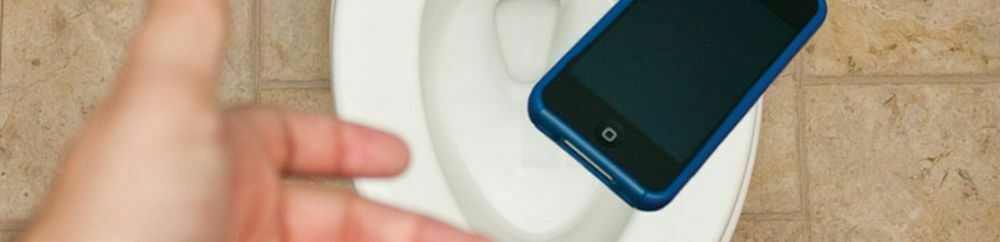
Here’s what to do if you drop your phone in water or get it wet :
Source : HL Assurance
1) Take Out from Water
First, get your phone out of the water right away if you accidentally drop it in water that cause water damage to it.
2) Switch Off Phone
Next , to ensure there is no additional damage is done, immediately turn off your phone. If possible, open the back and remove the battery, SIM card, and micro SD card (if you have one).
3) Dry Out
After that, to dry your phone, use a cloth or paper towel. Avoid rubbing the phone as doing so could unintentionally cause liquid to enter the phone’s more delicate areas.
In order to remove extra water from a phone that has been entirely submerged, you can lightly clean the area surrounding the phone’s creases and openings.
4) Use Gel Packs/Silica Packs
These little gel packs, which function much like rice, are frequently seen in the packaging of new items like laptops and toys.
Next, use enough silica gel to completely absorb the liquid in your device. Although it’s hard to estimate how much silica gel there is, it’s always better to use too much than not enough.
5) Dry Out
Dry out your phone somewhere cold and dry. Then, turn on your phone after allowing it to completely dry. After that ,try again after fully charging it if it doesn’t turn on immediately away.
Lastly, If you’re still having trouble, you’ll need to visit a repair shop.
No worries because Zonar offer services for mobile repair. Our Expert can restore functionality to your device right away!
Thinking about optimizing more than just your gadgets? Explore our guide on Enhancing Home Efficiency: Tips for a Greener Future to learn how to make your living space more energy-efficient. Just as we’re discussing saving water-damaged phones, find ways to save on energy bills and contribute to a sustainable lifestyle.
Stay informed and connected by following Zonar on IG , TikTok and Facebook.


