
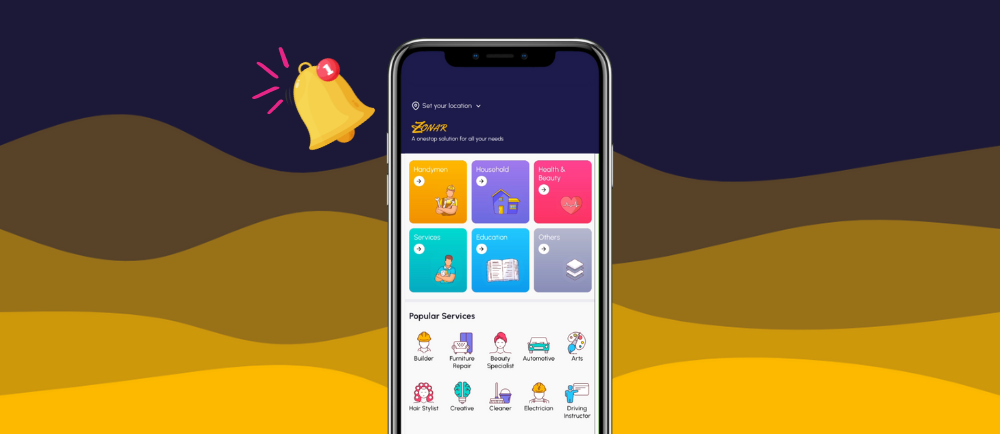
In the fast-paced world of Zonar, staying on top of job opportunities is crucial. If you’ve been missing out on potential customers’ messages, it’s time to activate push notifications. Follow this quick step-by-step guide for both iOS and Android and become a more responsive user on Zonar.
Android:

- Access Settings: Find the Settings menu within your device.
- Select App management: Locate and tap on the “App Management” option.
- Find Zonar: Find Zonar among the apps installed on your device.
- Permission: Access the Permission settings for the Zonar app.
- Push Notification: Enable Push Notifications for the Zonar app.
iOS:

- Go to Settings: Navigate to the Settings menu within your device.
- Select Notifications: Look for the “Notifications” option and tap on it.
- Enable Notifications: Toggle the switch to enable “Allow Notifications.” for Zonar.
- Customize Preferences: Customize your notification preferences to suit your needs.
- Confirm Settings: Ensure Zonar is set to prominently deliver notifications.
Become a Better Zonar user:
- Check Messages Regularly: Make it a habit to check your messages regularly to stay updated.
- Prompt Responses: Respond promptly to messages, showcasing your proactiveness.
Conclusion: By activating Zonar Push Notifications, you’re taking a proactive step to stay connected with potential clients. Follow these simple steps for your device, become a more responsive Zonar expert, and never miss out on opportunities again.
Stay updated with Zonar by connecting with us on social media (Instagram , TikTok and Facebook) for additional tips and insights.
Other Posts


What’s your Reaction?
+1
+1
2
+1
5
+1
+1
+1
+1